 veyraDownload
 VIDEO TO 3D · WINDOWSYour recording.
Your recording.
A new perspective.
Reconstruct, explore and annotate Gaussian scenes.
From your video, on your computer.
The Veyra workspaceScene editor · Recorded views · Annotations
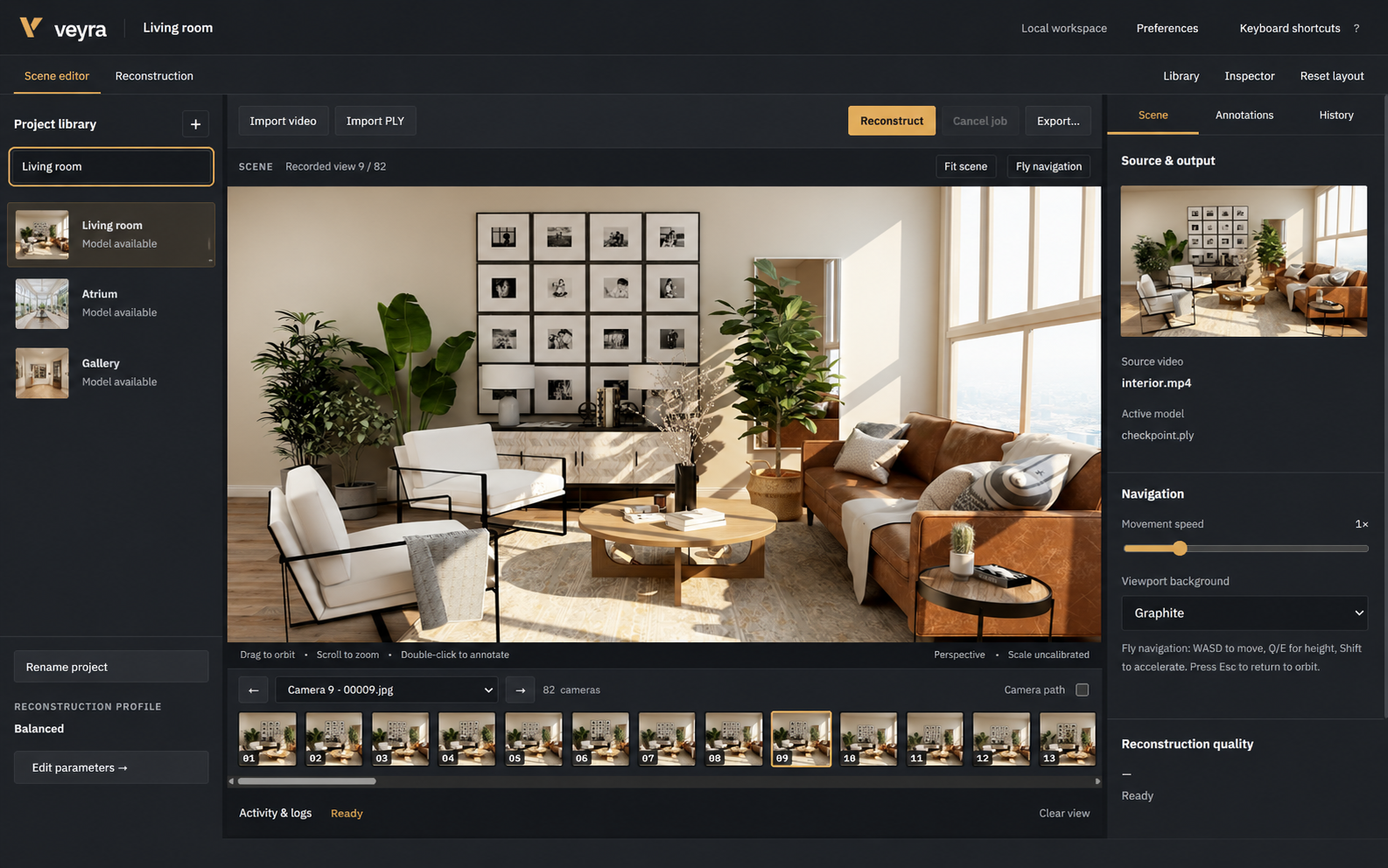
Keep the whole workflow on your computer.
Import a recording, reconstruct a scene, then return to the views you captured. Your videos and project files stay local.
One recording.
Three steps.
Plan your capture →- Import
Choose your video and create a project. Your original recording stays in place.
- Reconstruct
Choose a preset or adjust sampling and training settings. Follow the processing stages in Activity.
- Explore
Browse recorded cameras, move through the scene, add labels and export your work.
A workspace you can adjust.
Control the reconstruction
Set image resolution, frame sampling and training limits for each project.
Parameters →Find your perspective
Switch between recorded cameras, orbit the scene or use fly navigation.
Navigation →Keep your iterations
Organize projects and reopen previous reconstruction runs from History.
Project guide →